Welcome! This quick tutorial will show you how to translate video content and more!
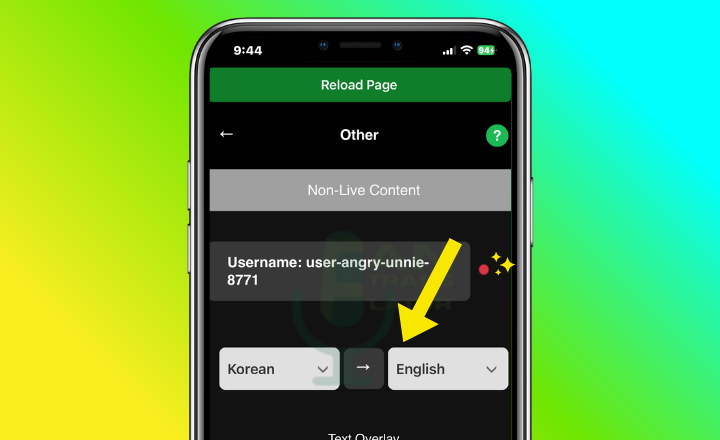
Step 1: Pick Your Languages
Notice that the activity dot starts red before translating has started.
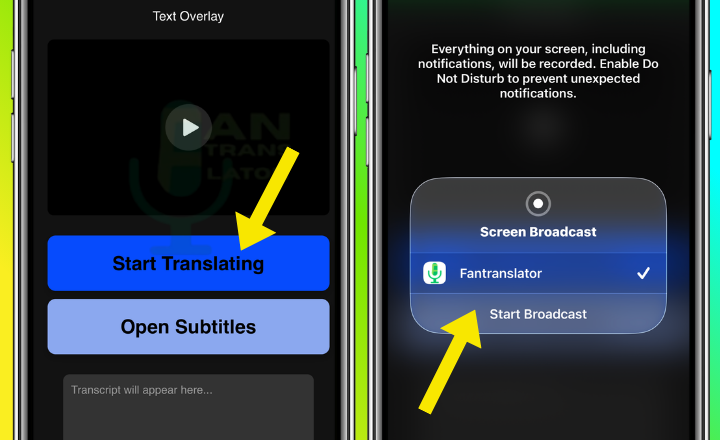
Step 2: Start Translating
Tap the "Start Translating" button and then "Start Broadcasting".
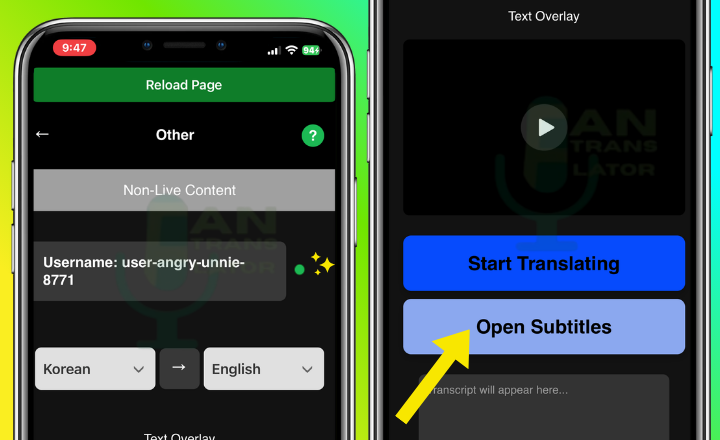
Step 3: Open Subtitles
Notice that the activity dot turns green (If the dot it not green, stop and reload the page and start from the beginning). Tap "Open Subtitles" to open the Text Overaly.
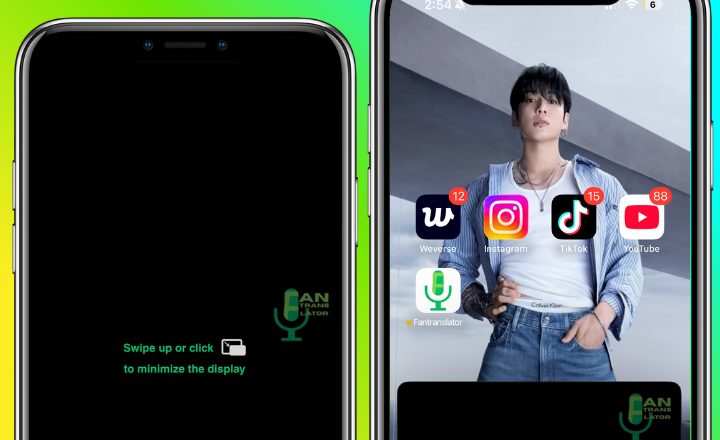
Get Ready!
Tap Finish to start translating video content and more on any app!